 Hex DMA
Login
Escape from Tarkov DMA Private
More memory-write features and special exploits, for a smaller group of users.
You need an invite to buy this.
Private is invite only, and invites are always free. How do I get one?
Sign in to redeem an inviteMulti-PC DMA setup
DMA hardware required
Private FAQ
What’s the difference between Public and Private?
Both have features you won’t find elsewhere. Private adds more memory-write features and special exploits, and stays with a smaller group of users to limit exposure and reduce the risk of patches.
How do I get an invite?
From a Private member, who earns one with every third purchase, or directly from an Owner. Asking or begging for an invite will get you blocked.
How much does an invite cost?
Nothing. Invites are always free. Anyone selling one is trying to scam you, so report them in a support ticket.
Can I buy Private access directly?
No. Private is invite only, and buying Public doesn’t guarantee access.
Will Private features come to Public?
Some might, but others may stay Private only for good.
Inside Tarkov DMA Private
Explore the features included with Escape from Tarkov DMA Private.
Visuals
- Player ESP
- Player names
- Weapon display
- Ammo info
- Skeleton ESP
- Adjustable skeleton thickness
Show 10 more features
- Head dot
- Bounding box / corner box
- Snaplines
- Aim line
- Off-screen arrows
- Optic / scoped ESP
- Bone smoothing
- BTR ESP
- Grenade ESP
- Profile info line under name
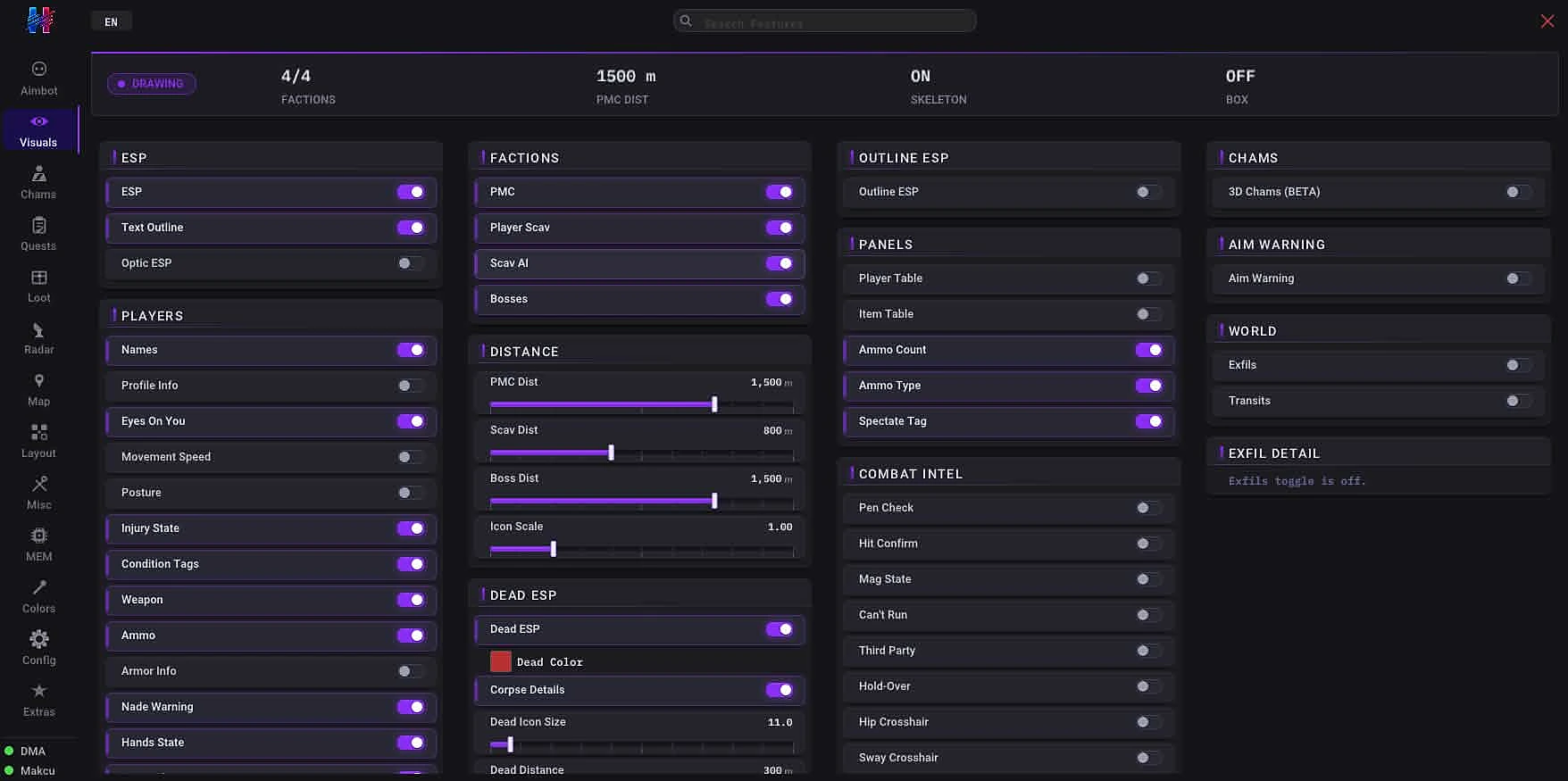
Aimbot
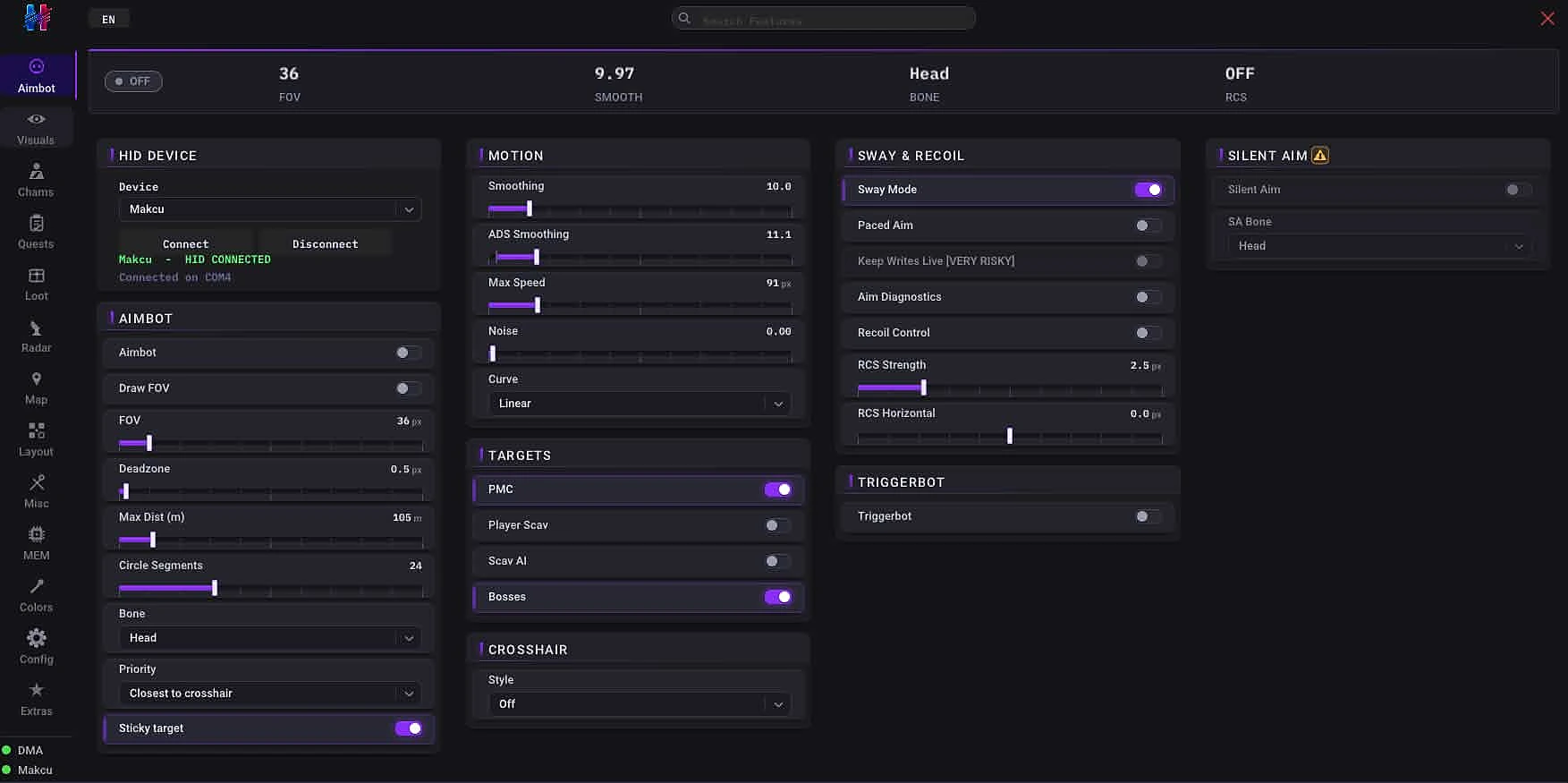
- Master toggle
- FOV circle
- FOV size
- Deadzone
- Smoothing X/Y
- Noise
Show 4 more features
- Triggerbot
- Bone selection
- Silent aim
- No recoil + No sway
Loot system
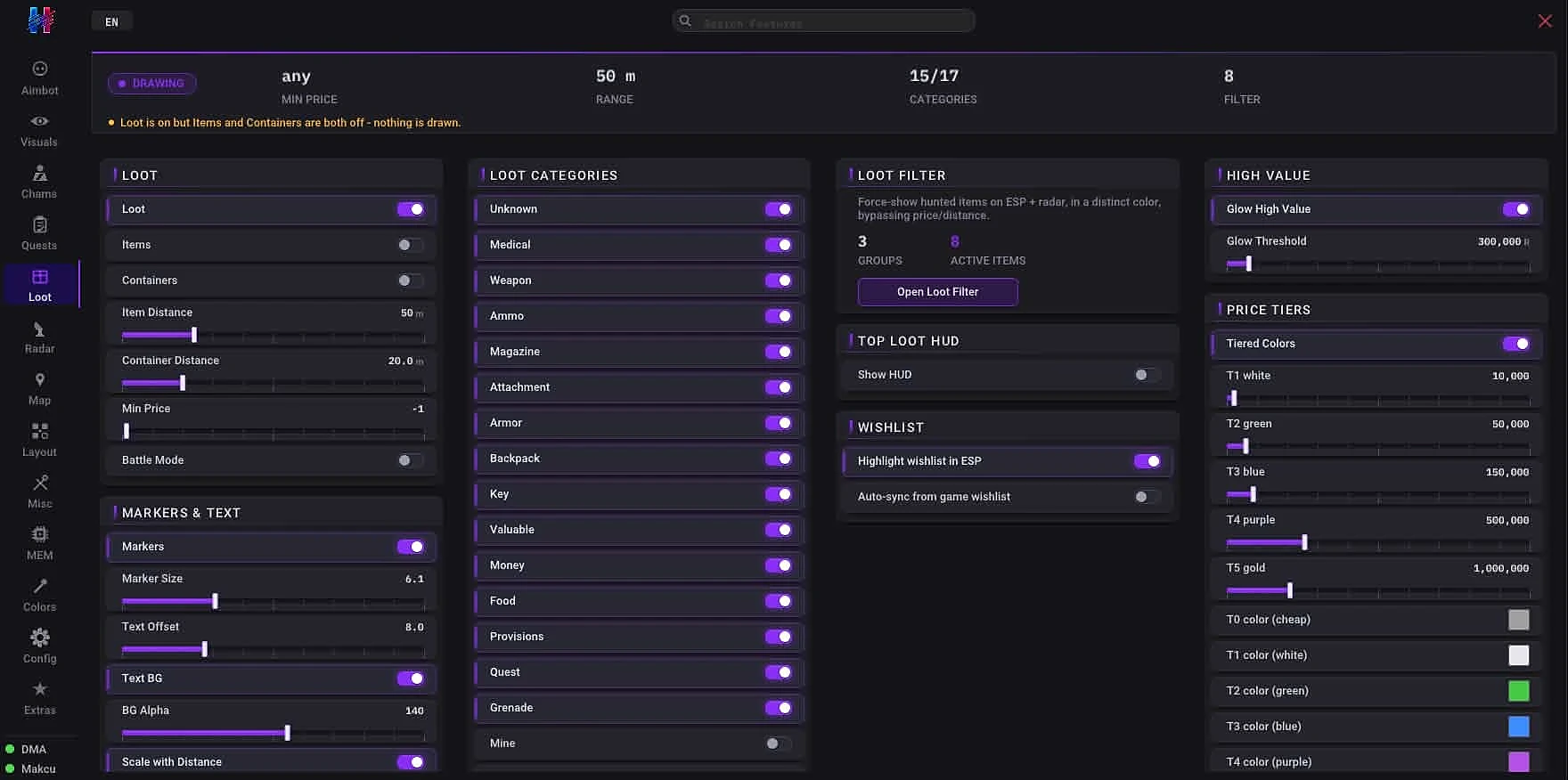
- Loot ESP
- Item highlighting
- Container highlighting
- Item distance
- Container distance
- Min price filter
Show 7 more features
- Loot markers
- Marker size / offset
- Text background / opacity
- Tier-based coloring
- High-value glow
- Container inventory preview
- Trader + flea price merge
Map radar
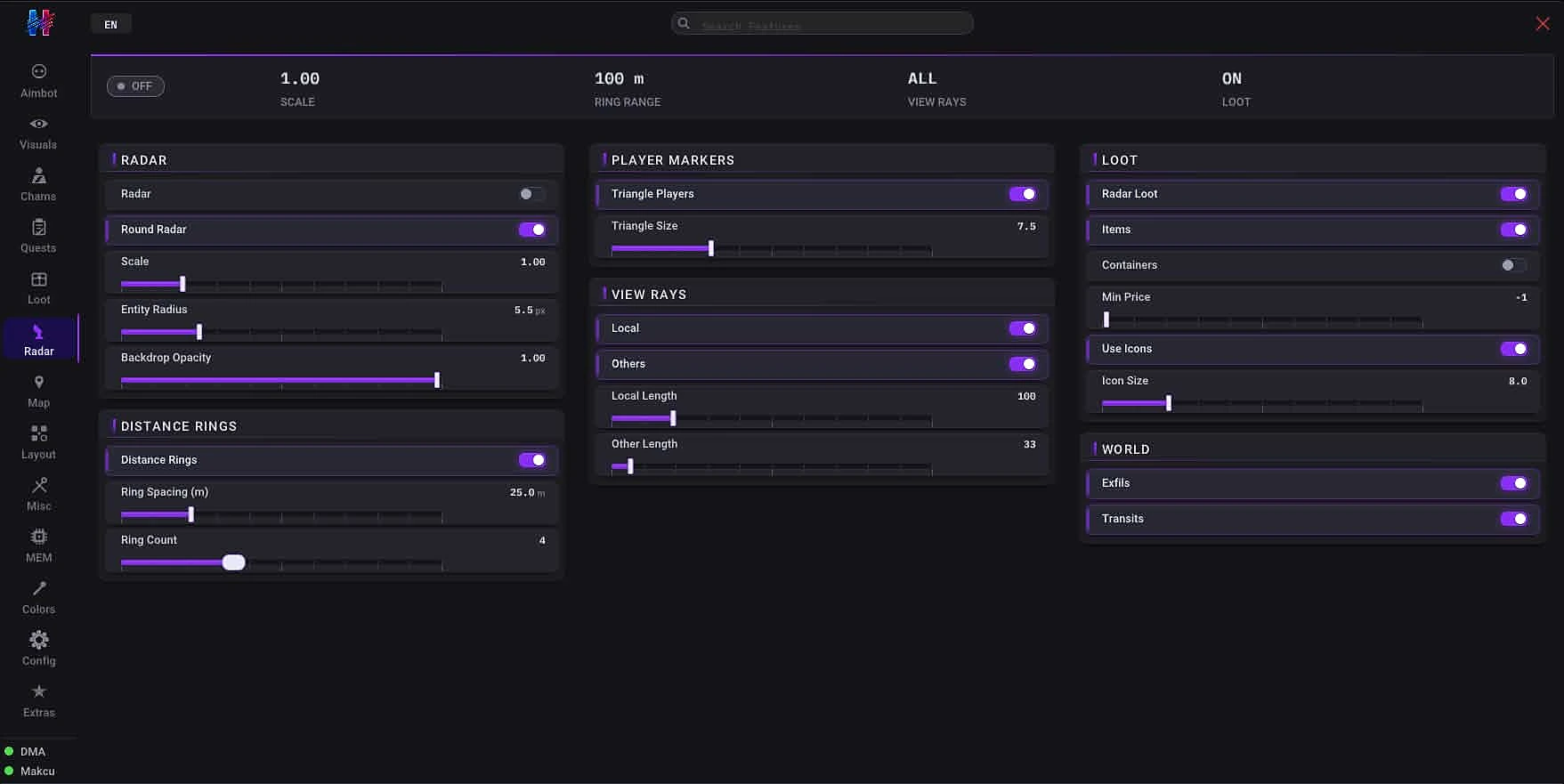
- Draggable map radar window
- SVG maps
- Multi-layer floor rendering
- Auto floor switching
- Local player triangle
- Faction icons
Show 8 more features
- Dead markers
- Loot + container icons
- Exfils / quests / airdrops
- View ray
- Hover tooltip
- Watchlist override
- Zoom / pan / lock toggle
- VSync + FPS cap
Exploits
Exploits (Movement)
- Run (pose)
- Strafe/Back speed
- Fast walk
- Noclip
- Door phase
- Door collider drop
Show 17 more features
- Stop mid air
- Fly (apex hover)
- Vault/climb anywhere
- Fast climb/vault
- Rubberband bypass
- Unlock doors
- No fall damage
- Mule mode
- No inertia
- No tilt inertia
- No strafe inertia
- Silent movement
- Fast pose
- Instant speed change
- No prone align delay
- Air control
- Infinite stamina
Exploits (Combat)
- Silent aim
- No weapon malfunction
- No weapon jam
- No recoil
- No spread
- No sway
Show 14 more features
- Fast weapon ops
- Mag drills
- Instant plant
- No weapon collision
- Never lower weapon
- Instant search
- Infinite hold breath
- No hand tremor
- No breath tremor
- Extended reach
- Wide lean
- Instant lean
- Instant body turn
- Owl mode
Exploits (Visuals & Environment)
- God mode
- No hunger/thirst
- Cleanse debuffs
- Skill buffs
- Night vision
- Thermal vision
Show 16 more features
- No visor
- No flash
- No frostbite
- FOV changer
- Third person
- Loot thru walls
- Time of day
- No vignette
- No chromatic aberration
- No radial blur
- No sharpen
- No fog
- No rain
- Brightness boost
- Saturation boost
- No fracture overlay
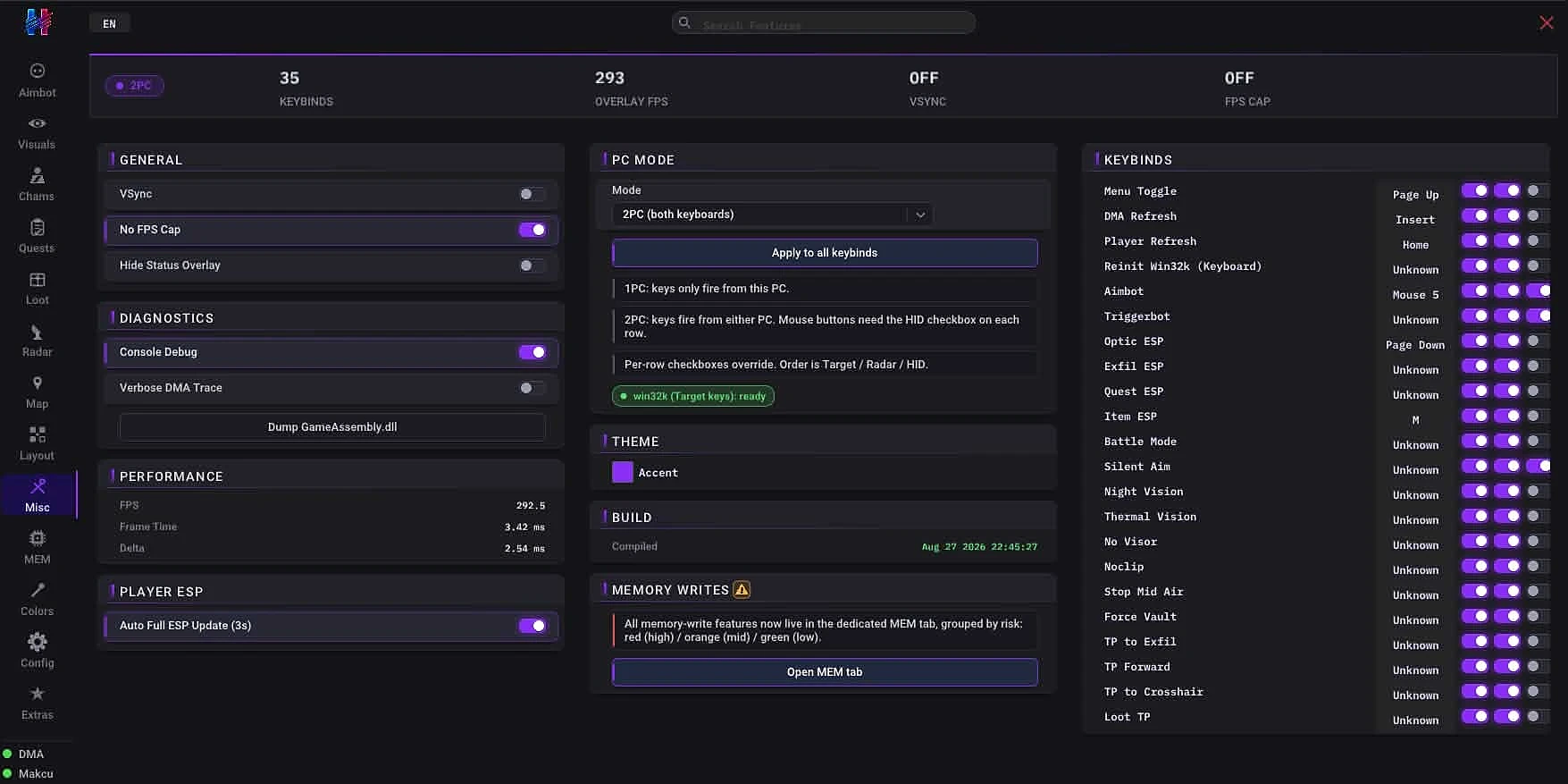
More features
Distance & Rendering
- Max PMC distance
- Max Scav distance
- Icon scaling
- Distance-scaled loot icons
Faction Filtering
- PMC filter
- Player Scav filter
- AI Scav filter
- Boss detection
- Boss name resolution
Quest Objective ESP
- Quest zones on map radar
- Per-map filtering
- Live quest list
- Tarkov.dev tasks DB
Dead / Corpse ESP
- Dead body ESP
- Dead icon markers
- Sticky dead flag
- Dead marker on map radar
Crosshair
- Custom crosshair
- Style selection
- 2D Mini-Radar
- Radar display
- Direction + distance
- Entity tracking
Show 1 more feature
- Per-faction colors
Mines
- Mine ESP
- Mines on radar
Before you start
Hardware requirement
Requires a multi-PC DMA hardware setup.
More product information
- Built for raids that matter. Tarkov rewards information — every feature here is designed to keep you a step ahead of squads, scavs, and bosses.
- Adaptive updates. Auto binary analysis keeps the software functional through wipes and patches with minimal manual intervention.
- Downtime compensation. If a major game update causes extended downtime, your subscription time is credited automatically.
- Read-only memory. The DMA card reads game memory from your primary computer only — nothing is written back, leaving no trace on the gaming machine.
- Performance focused. Designed to run silently in the background without spiking CPU or affecting your raid frame-rate.